
Create in bulk
Create many test cases or requirements at once: one name per line, with the shared fields set once.
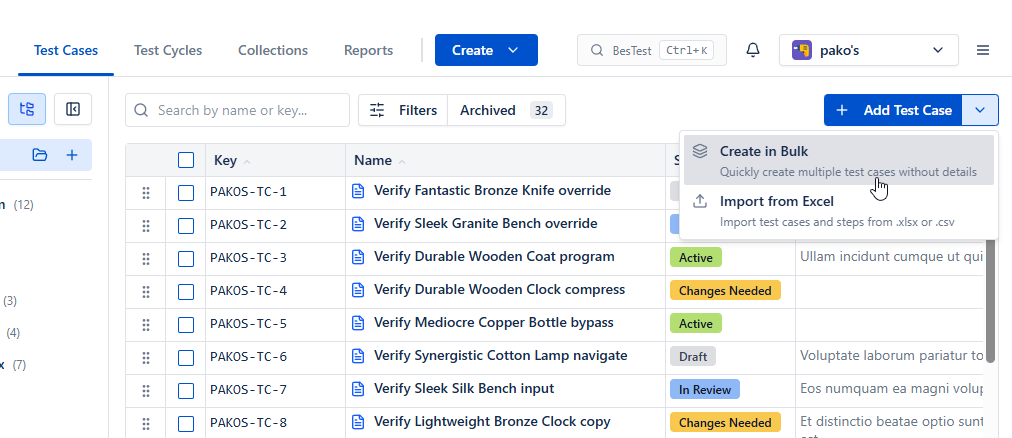
If you need to create many test cases or requirements without the fine details yet, open the menu next to Add Test Case (or Add Requirement) and choose Create in bulk.
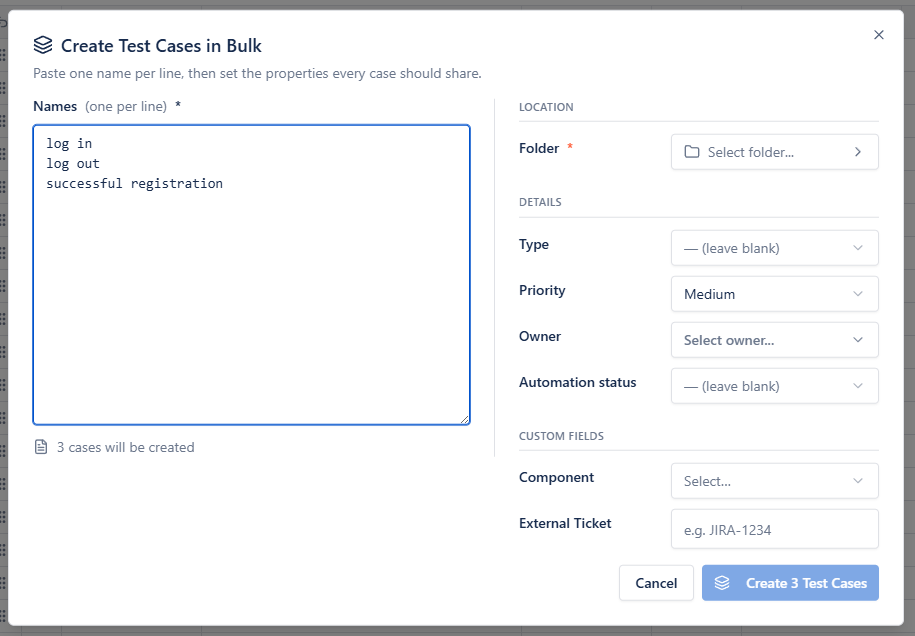
In the dialog, every line will be created as a single item. Fields set on the right (folder, owner, priority, custom fields...) apply to all of them.
Bulk create is also available on the Jira Work Item Panel - everything created there is linked to the work item.